

It’s pronounced Scroll. X marks the spot but this pronunciation is easier when you hear it.
In the video, I detail how and why to use Xcrol.
Creating a Xcrol Account and Profile Setup
Objective
This SOP outlines the steps to create a Xcrol account and set up your profile effectively, ensuring privacy and optimal use of the platform.
Key Steps
1. Account Creation 4:44
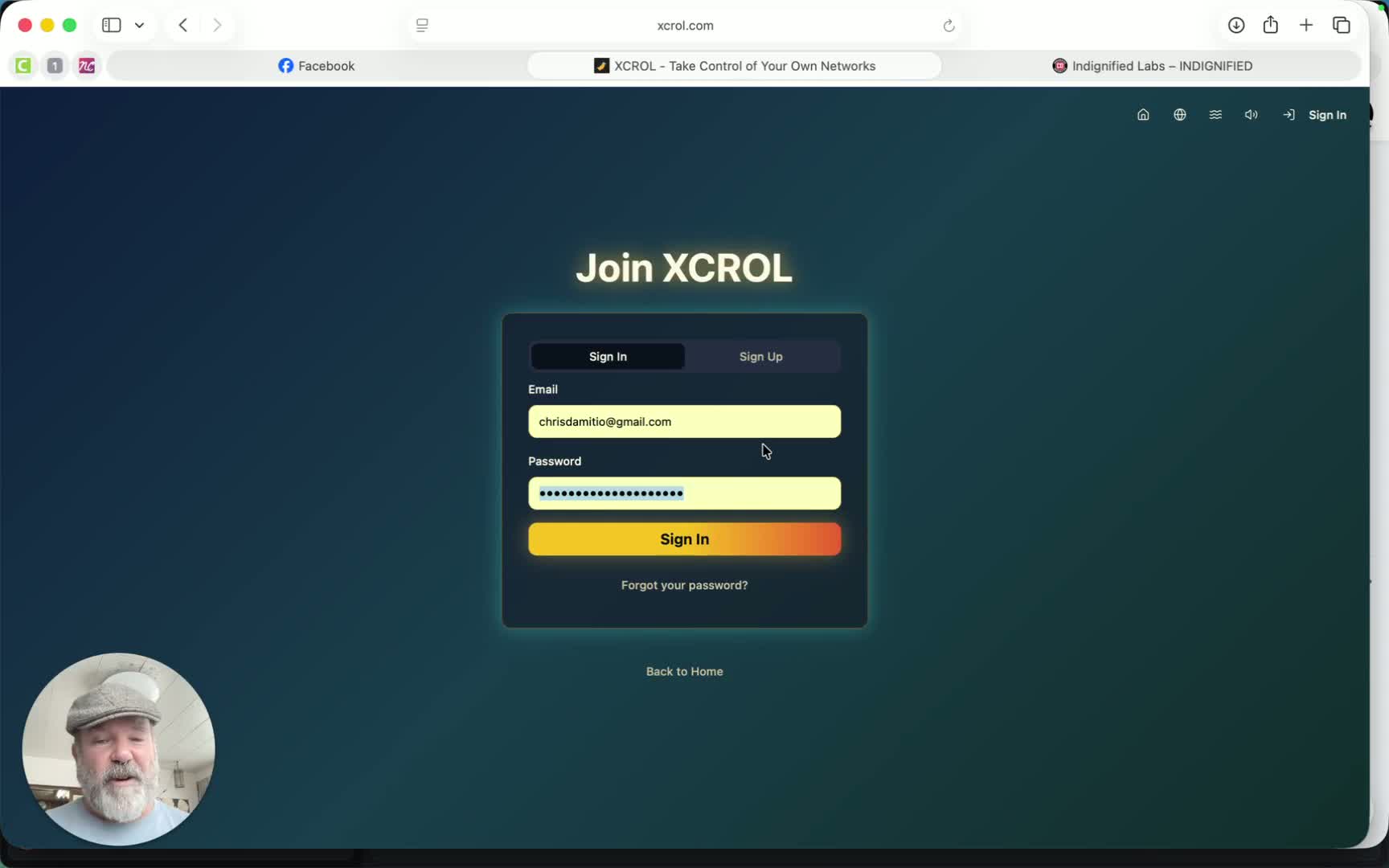
Visit the Xcrol.com website.
Click on ‘Create Account’.
Enter your desired username and email address.
If you have an invite code, enter it here.
Review and accept the terms and conditions and privacy policy.
2. Logging In 6:00
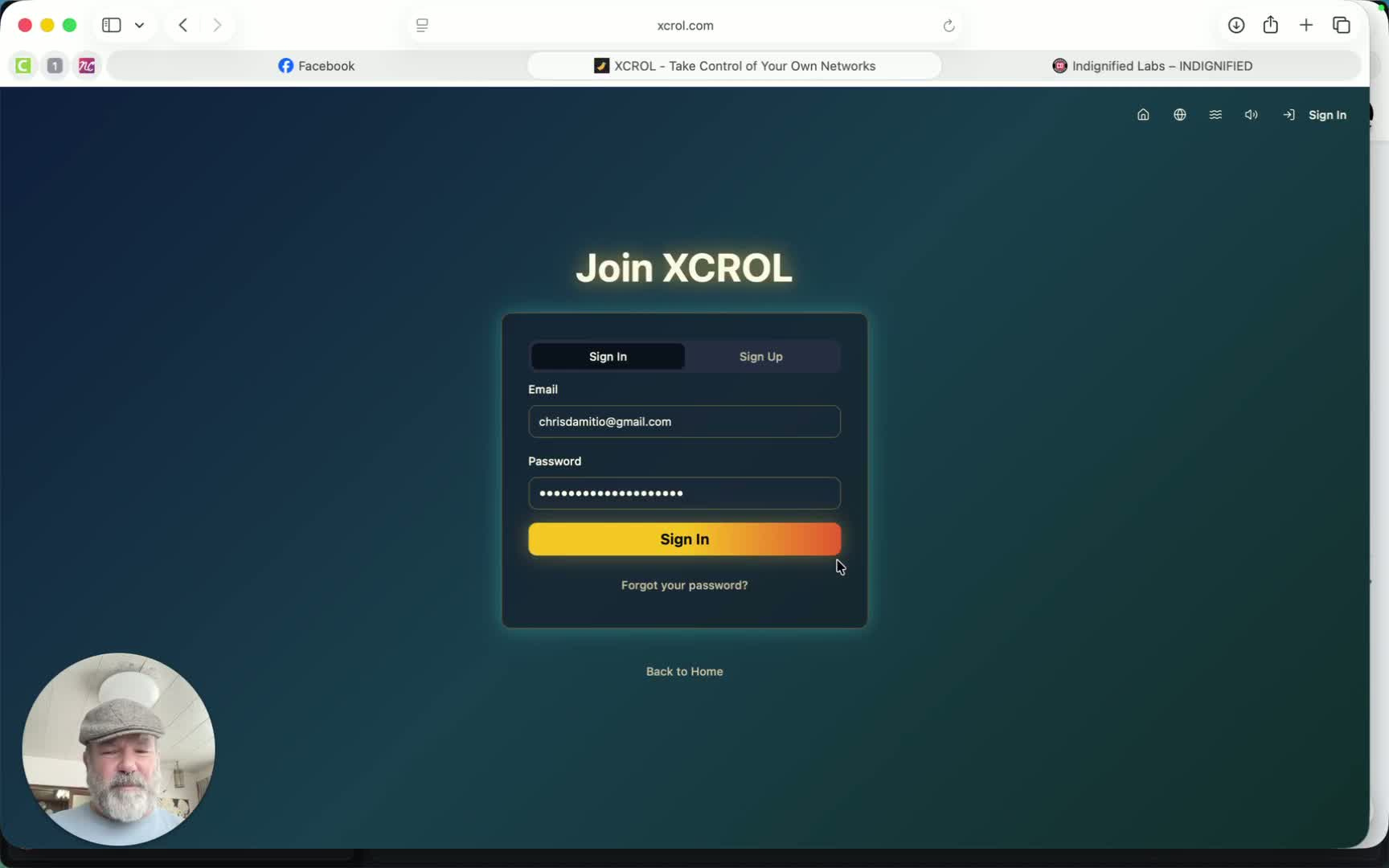
Go to the Xcrol login page.
Enter your username and password.
If you don’t receive a confirmation email, check your spam folder or use the ‘Forgot Password’ option to resend the confirmation.
3. Profile Setup 7:01
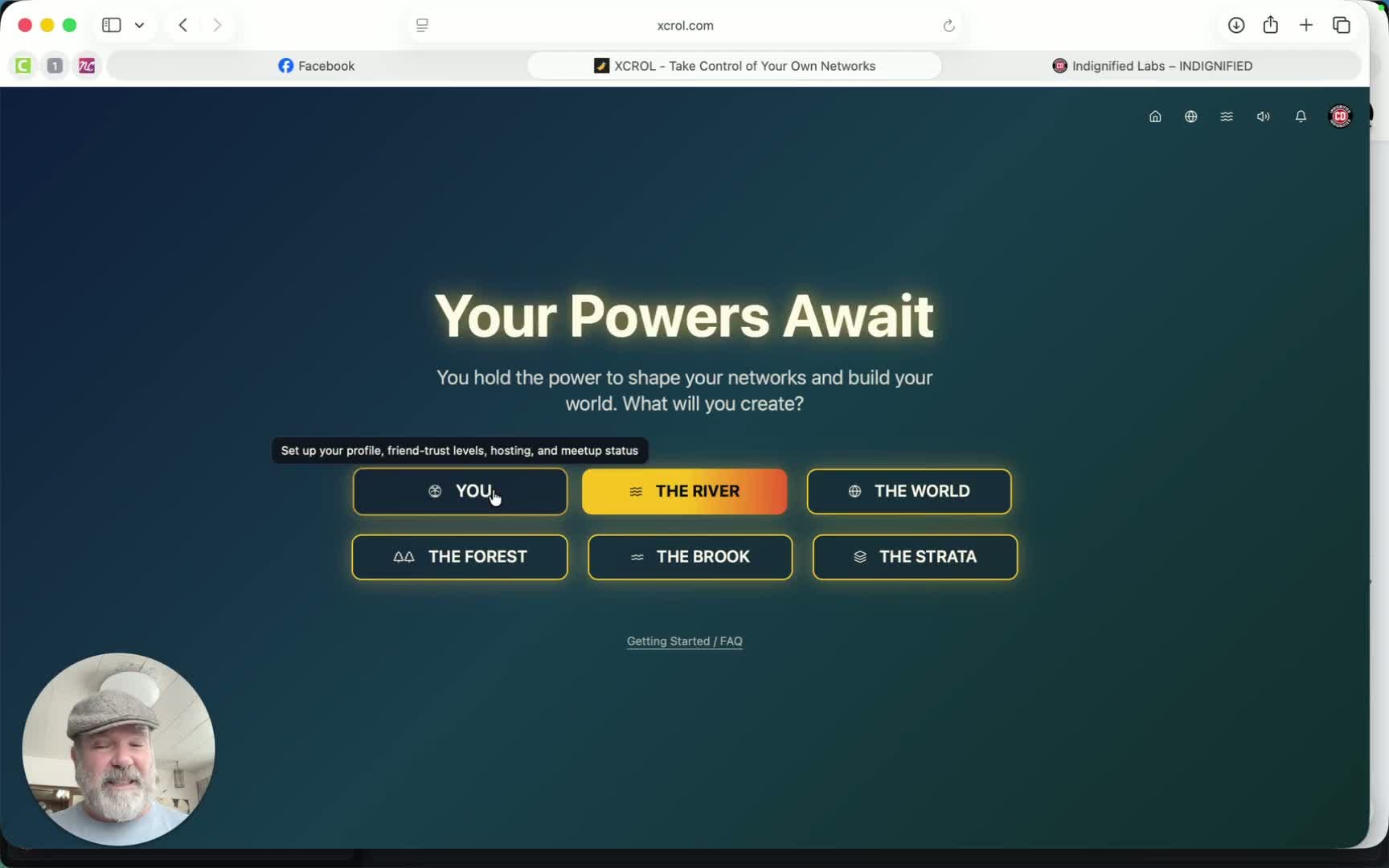
Upload an avatar image.
Fill in your username and name.
Set your hometown and a brief ‘About Me’ section.
Add your birthday and set privacy levels for who can see it.
4. Trust Levels Configuration 8:08
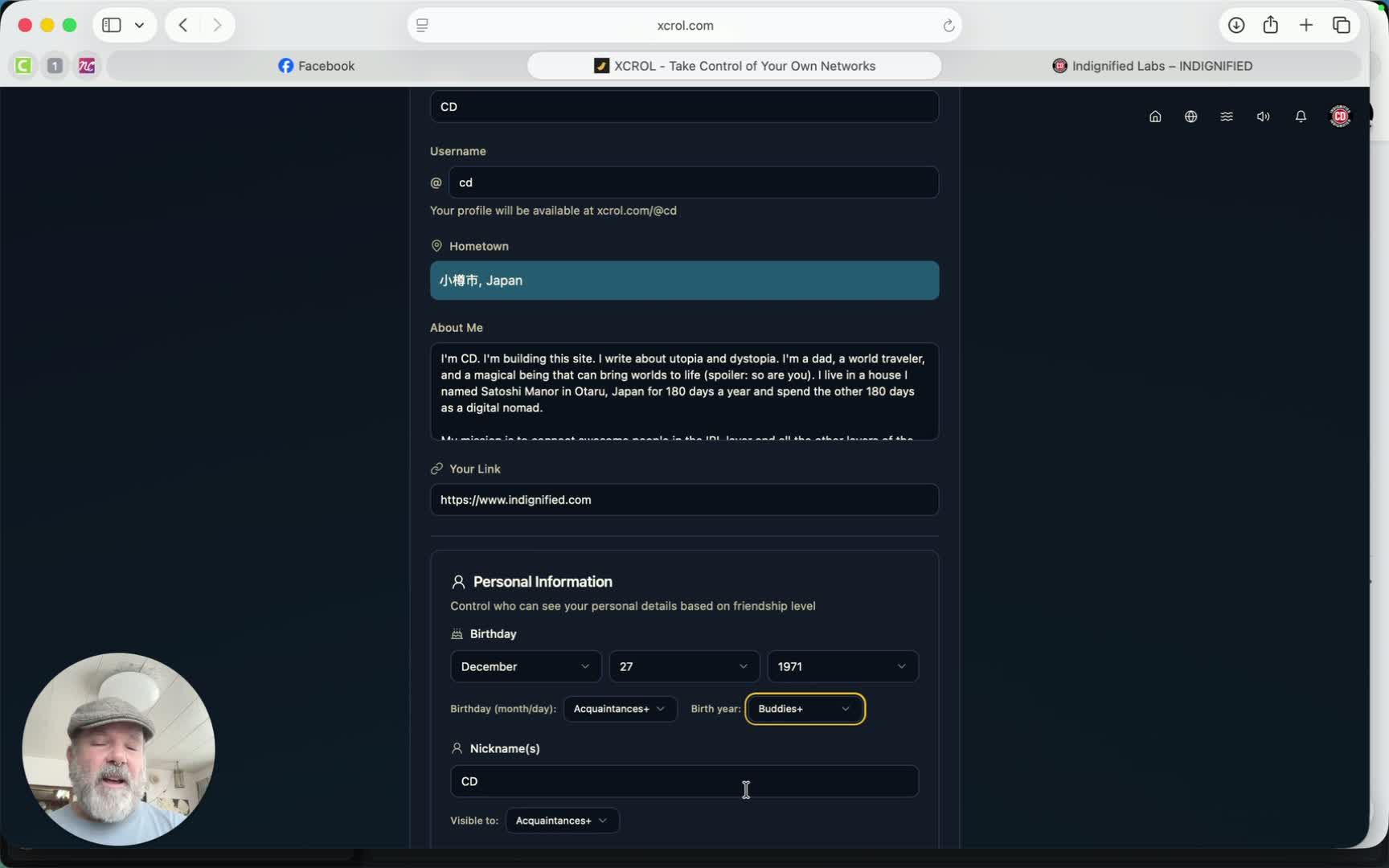
Define trust levels for your birthday (month, day, year) and other personal information:
Nobody
Close Friends
Buddies
Acquaintances
Set up custom friendship types (e.g., Couch Surfers, Work Friends).
5. Privacy Settings 10:08
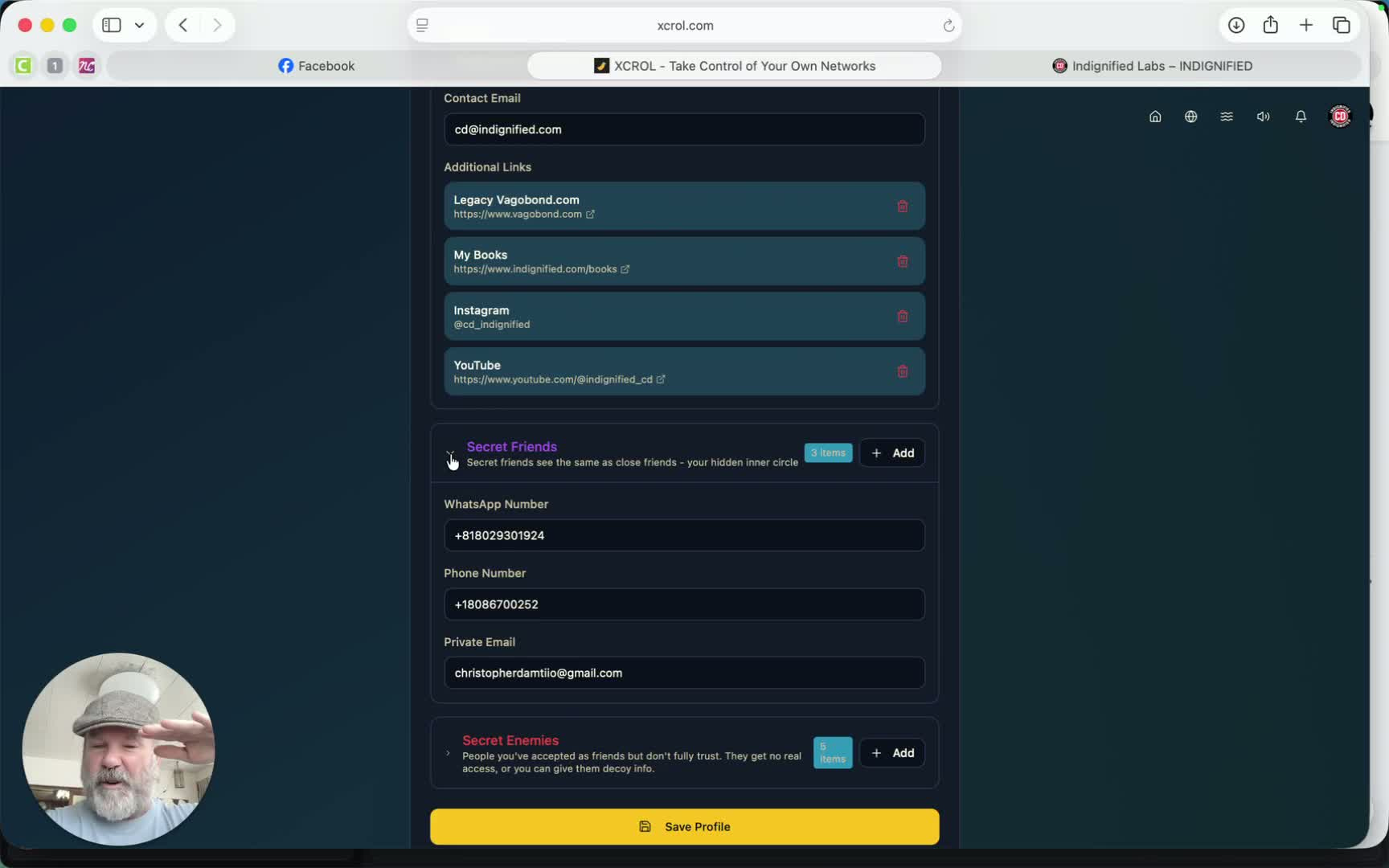
Decide what information to share with different trust levels:
Close Friends: More personal info.
Buddies: General info only.
Secret Friends: Hidden from public lists.
6. Connecting with Friends 12:28
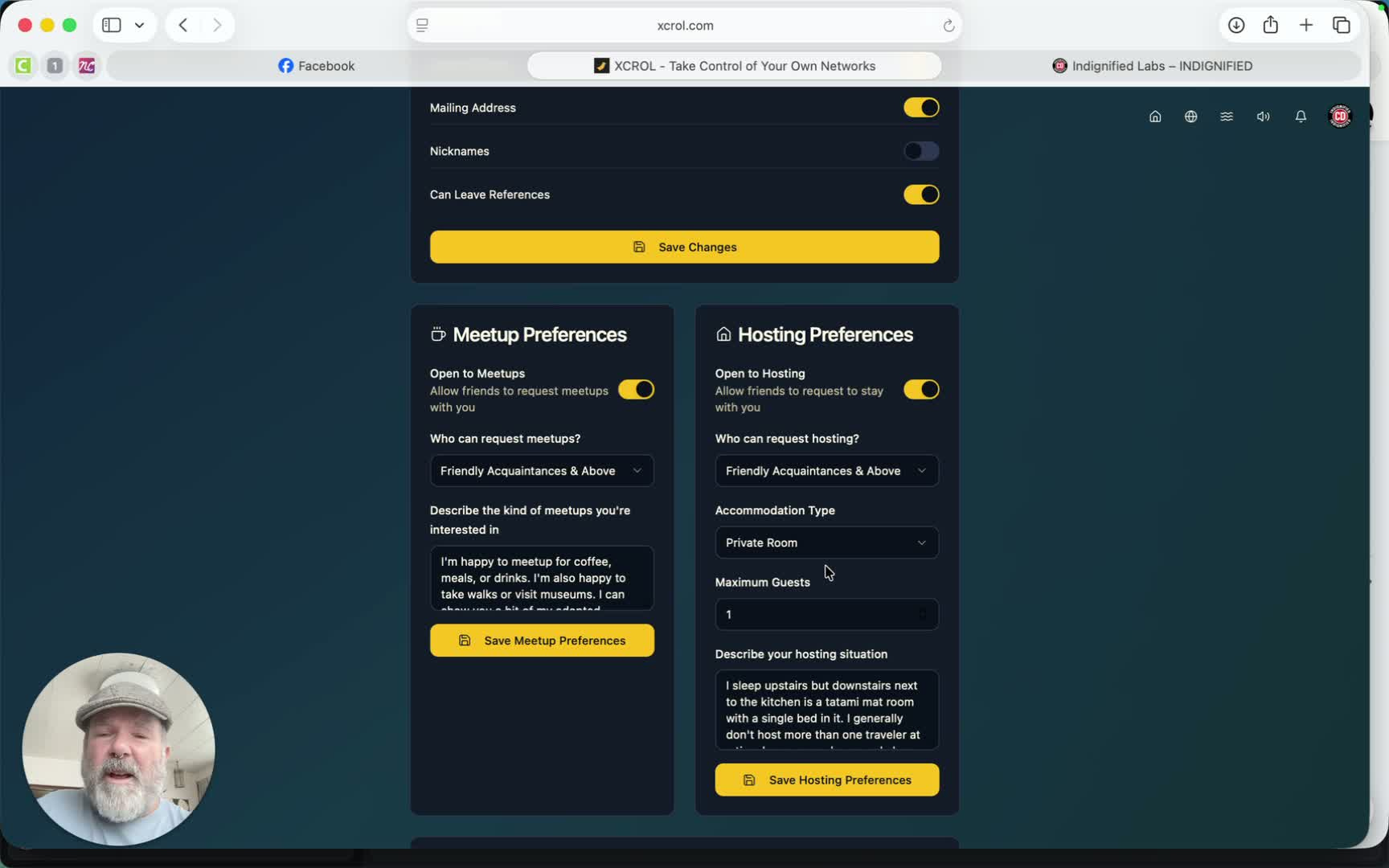
Use the ‘Meetups’ feature to connect with friends in real life.
Set your hosting preferences for couch surfing.
7. Using the River Feature 20:58
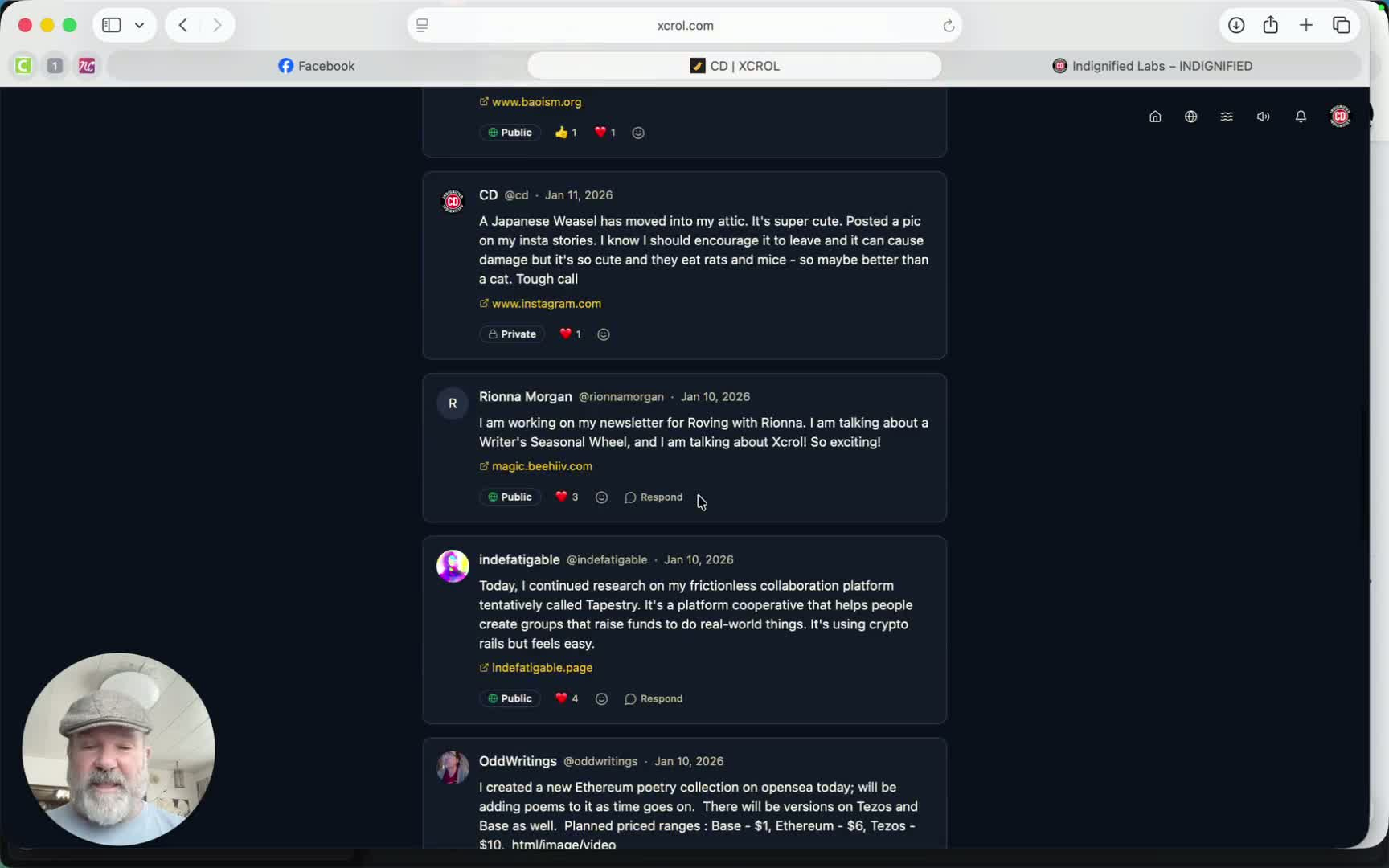
Post one update per day (240 characters) to your Scroll feed.
Include one link to share with your friends.
8. Managing Brooks 24:48
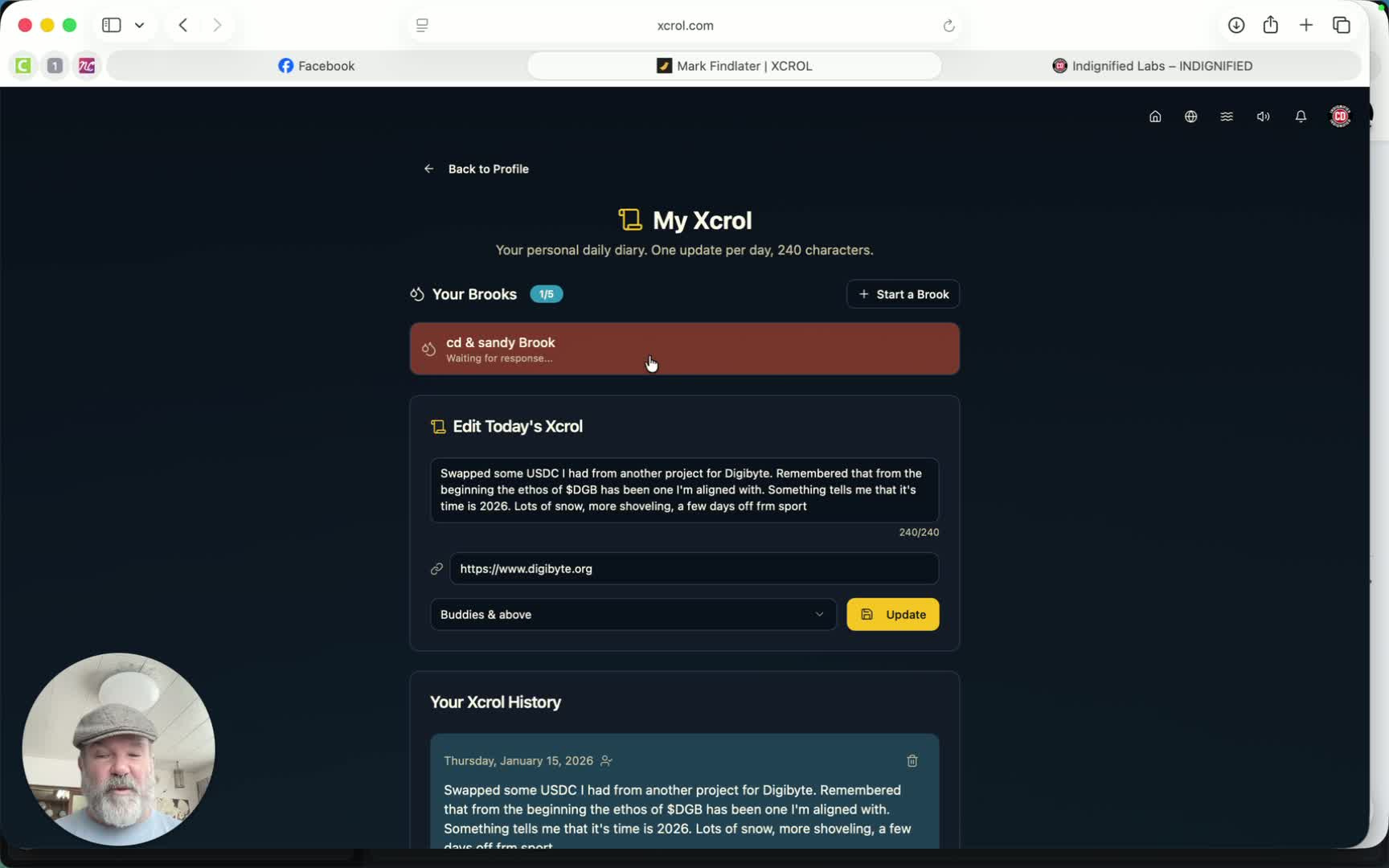
Create a Brook for private conversations with a friend.
Set inactivity limits for the Brook (3, 7, or 9 days).
9. Data and Privacy Controls 26:05
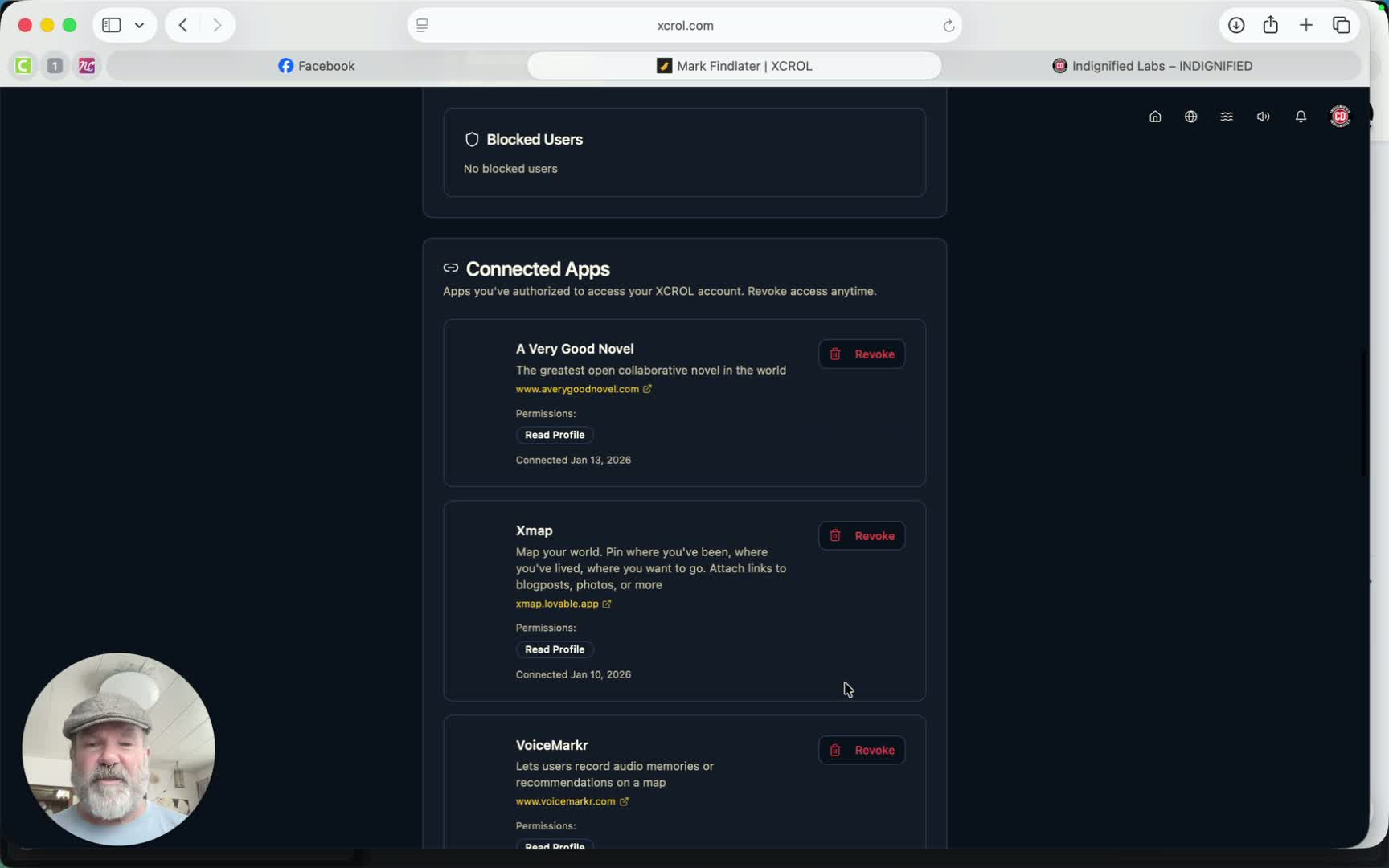
Access your settings to manage data sharing and privacy.
Change your password and block users if necessary.
Cautionary Notes
Ensure you read the privacy policy thoroughly before creating your account.
Be cautious about the information you share, especially with trust levels.
Tips for Efficiency
Regularly update your profile to keep your information current.
Engage with friends through the River feature to maintain connections.
Use the Brook feature for important conversations to keep them private.


